Both are plug-and-play wireless conferencing systems — but built for different rooms and different needs. If you’re evaluating which one fits your deployment, here’s a clear breakdown.
The Short Answer
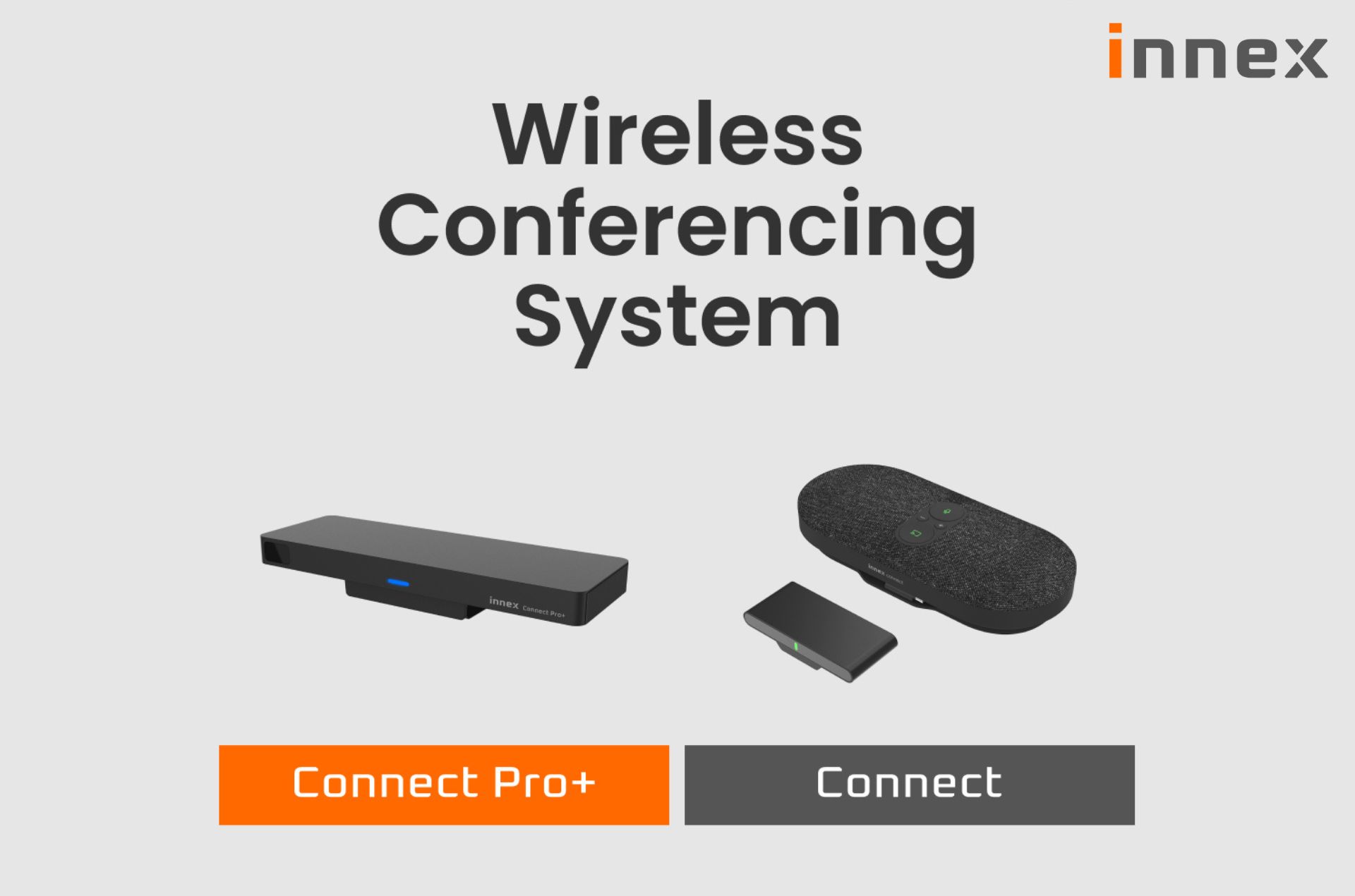
Connect is a simple, all-in-one wireless conferencing speakerphone designed for huddle rooms and small meeting spaces. Connect Pro+ is a full-featured wireless conferencing hub for rooms that need more — more devices, more flexibility, more control.
Innex Connect: Simple by Design
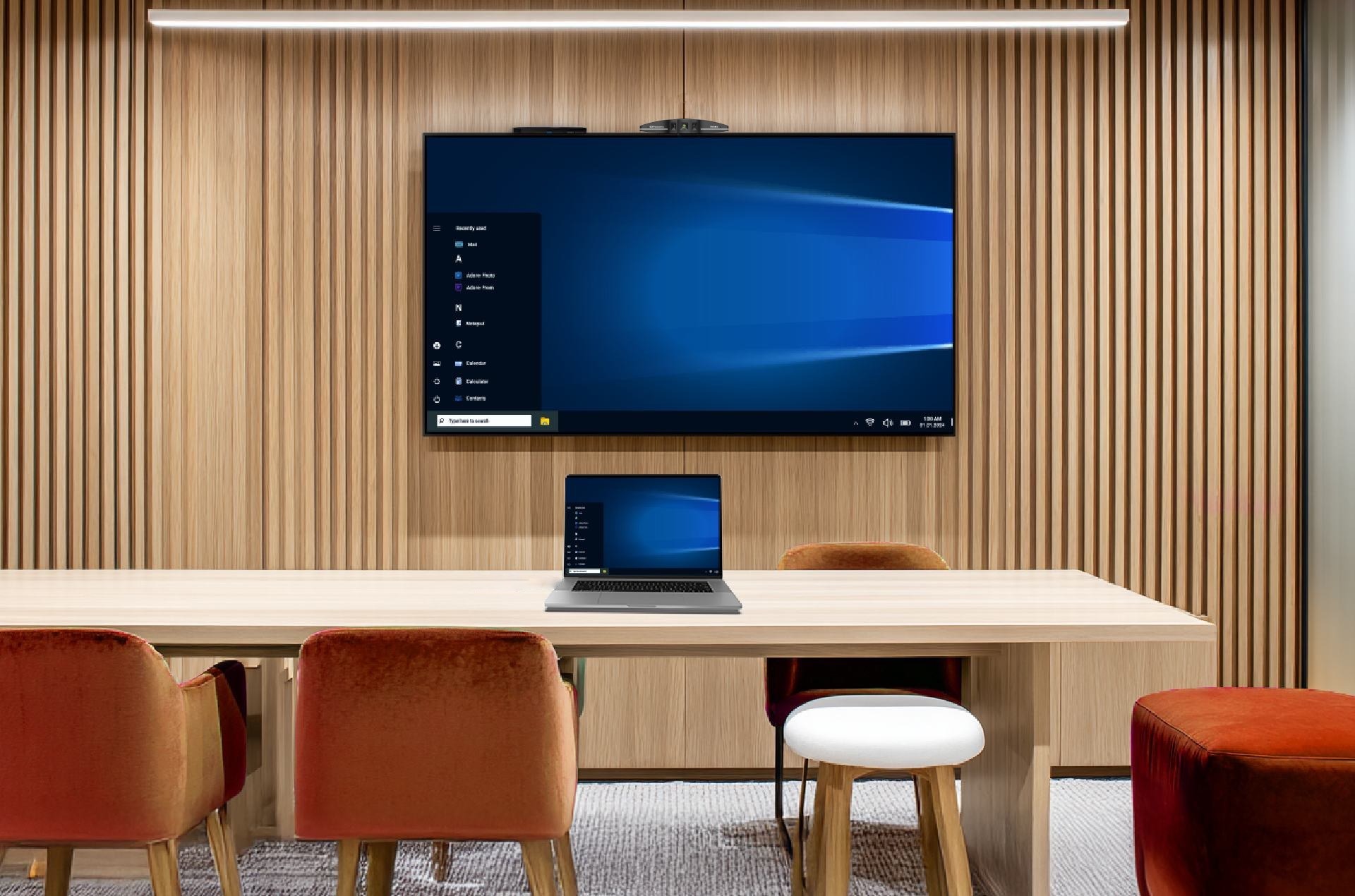
Connect pairs a speakerphone with a receiver. The cast button is built directly into the speakerphone unit — plug it into your laptop via USB, press the button, and your screen is on the display. No app, no software, no configuration needed.
It also works as a standalone speakerphone. For huddle spaces and small rooms where meetings are mostly audio calls with occasional screen sharing, Connect covers everything without overcomplicating things.
Where it fits:
- Huddle spaces and small meeting rooms
- Teams that need quick, no-fuss screen sharing
- Rooms that don’t require multi-presenter or interactive collaboration
Innex Connect Pro+: Built for More Demanding Rooms
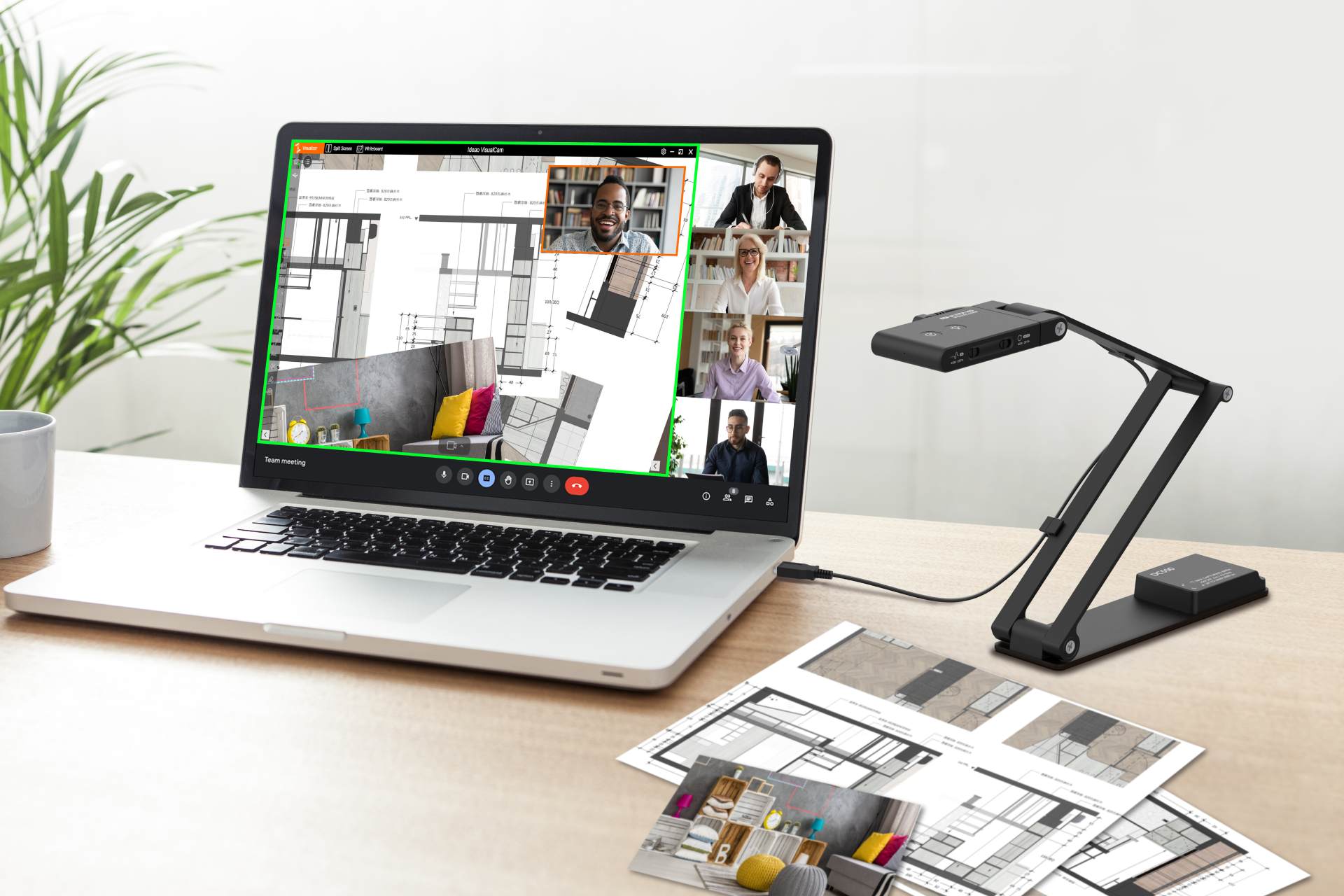
Connect Pro+ supports multiple ways to share wirelessly. Anyone in the room can cast from their own device using the Connect Pro Button, AirPlay, Miracast, or Chromecast — no extra hardware needed. The Connect Pro Software adds another layer: join a video call, access the room camera wirelessly, and control the display, all from your laptop through one interface. Up to 9 devices can share simultaneously in split-screen view.
It also supports touchback. When connected to a compatible touchscreen display, you can interact with your laptop directly from the screen — annotations, clicks, and on-screen operations all sync back in real time. For training rooms, boardrooms, or collaborative spaces, this changes how meetings run.
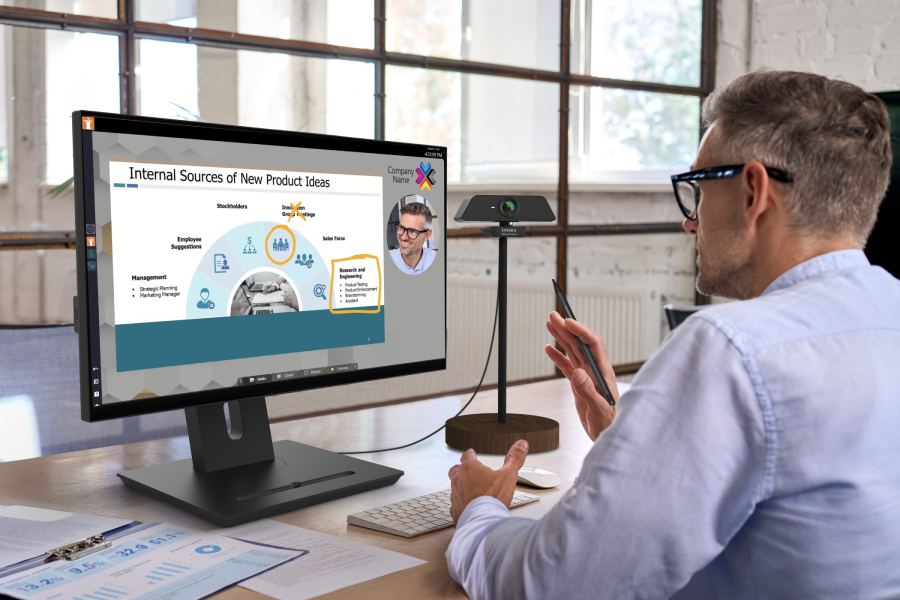
For BYOM setups, Connect Pro+ supports room camera integration at 1080P @30fps, keeping remote participants in view without a dedicated room PC.
Where it fits:
- Small to large meeting rooms
- Rooms with interactive or touchscreen displays
- Multi-presenter environments with mixed devices
- Deployments that require flexible BYOM and cross-platform wireless casting
Side-by-Side Comparison
| Connect | Connect Pro+ | |
| Screen Share Method | Button (on speakerphone) | Button, AirPlay, Miracast, Chromecast |
| Max. Screen Share Resolution | 4K @30Hz | 4K @30Hz / 1080P @60Hz |
| BYOM Camera Resolution | 1080P @30fps | 1080P @30fps |
| Multi-device Split Screen | — | Up to 9 screens |
| Touchback / Interactivity | — | Yes |
| Native Casting (AirPlay / Miracast / Chromecast) | — | Yes |
| Built-in Speakerphone | Yes (standalone capable) | — |
| Best For | Huddle rooms, small spaces | Small to large rooms, interactive rooms |
Matching the Right System to the Room
If your priority is simplicity — one cable, one click, done — and the room doesn’t need multi-presenter sharing or touchscreen interactivity, Connect is the right call. It’s lean, reliable, and the built-in speakerphone means one less device to manage for huddle-sized spaces.
If you’re outfitting a larger space, a room with a touch display, or anywhere that regularly hosts multi-presenter meetings or guests with different devices, Connect Pro+ gives you the flexibility to handle all of that without friction.
👉 Contact us to get more guidance.
👉 Learn more about the products: