Connect Pro
Seamless Screen Sharing, Smarter Meetings
*Windows ARM processors are not supported.*
Seamless Simplicity: Unleash the Full Power of Your Meetings.
Connect Pro is a user-friendly software that you can easily install on your Windows PC.
With Connect Pro, you can quickly cast your screen and receive camera signals from your display,
making presentations and video sharing seamless and effortless.
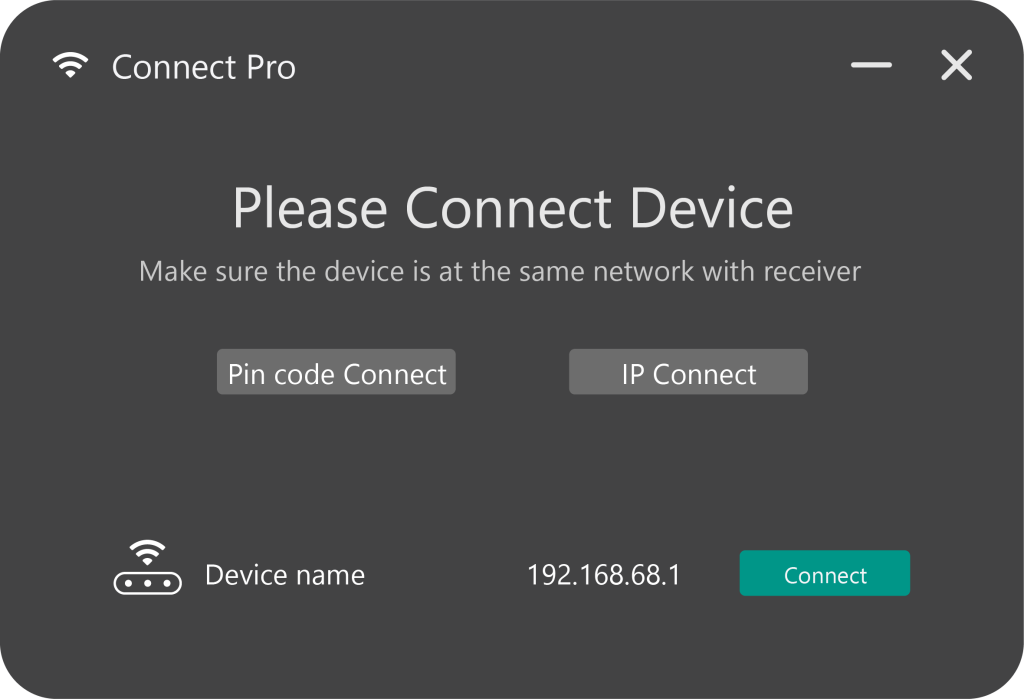
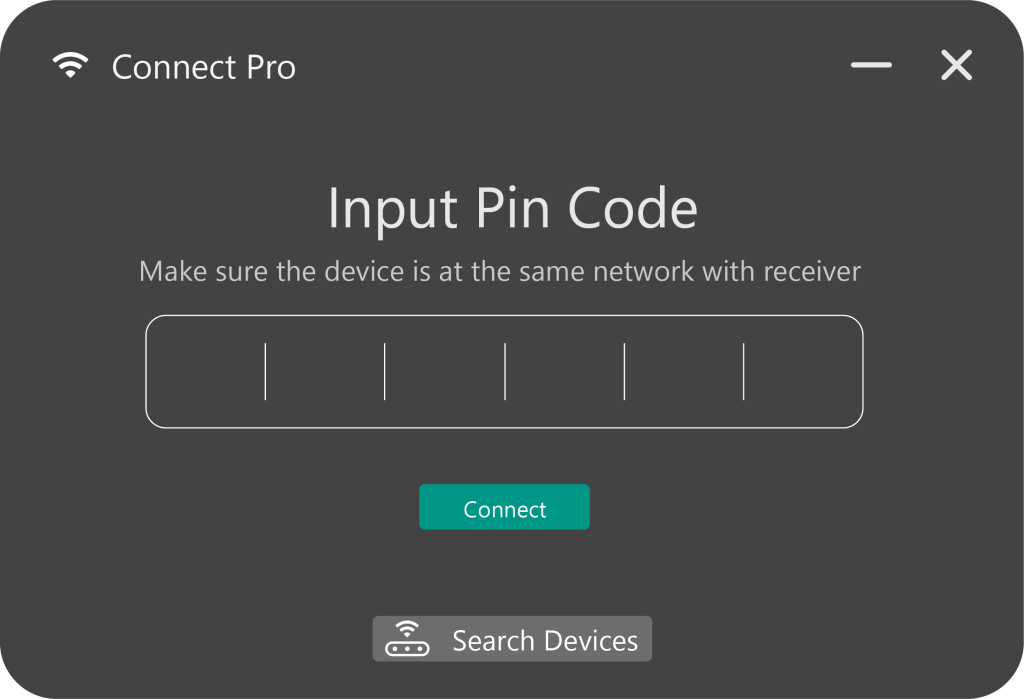
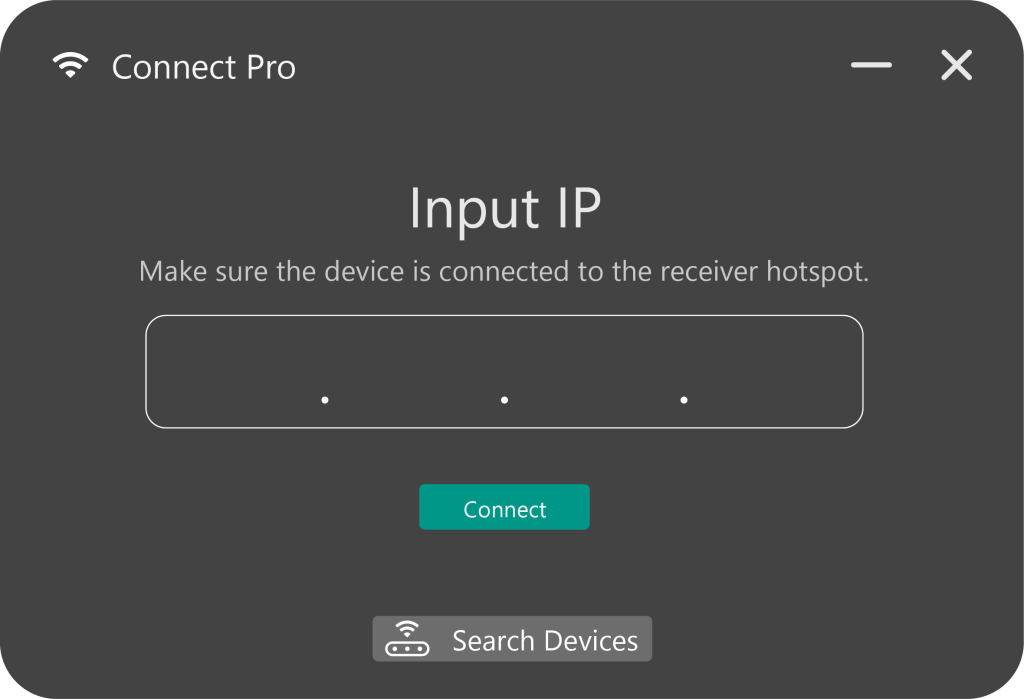
3 ways to find the device
Device name
Pin code
IP address
One click,
you're ready to meet.
Simply choose your sharing mode, transmit audio, set BYOM on or off, and enjoy a smoother, seamless experience.
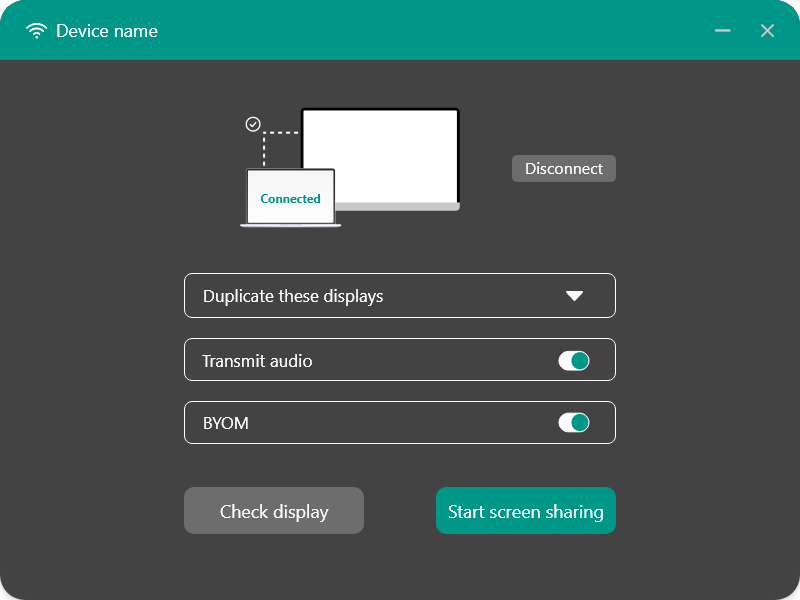
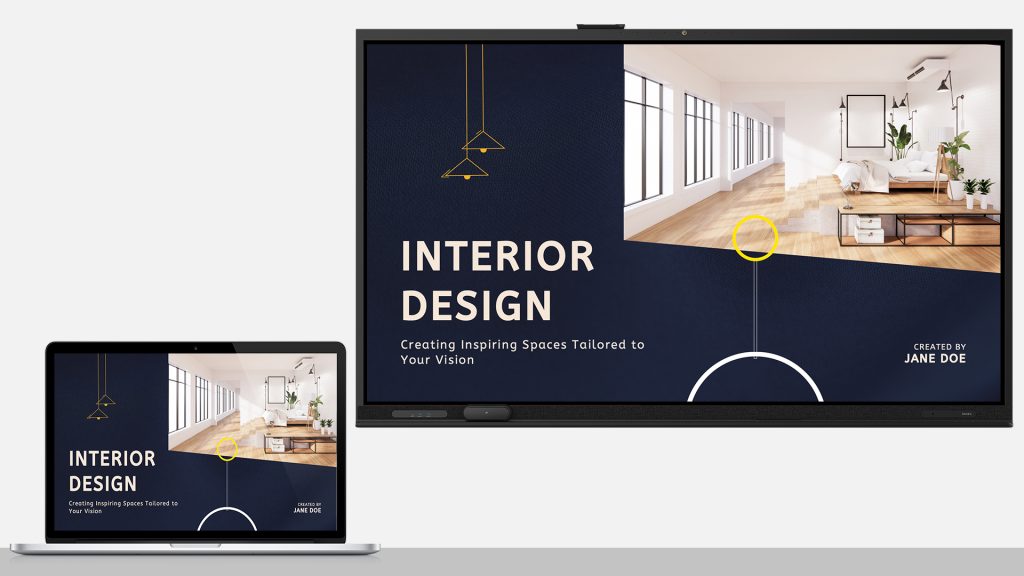
Sharing mode
Duplicate Mode
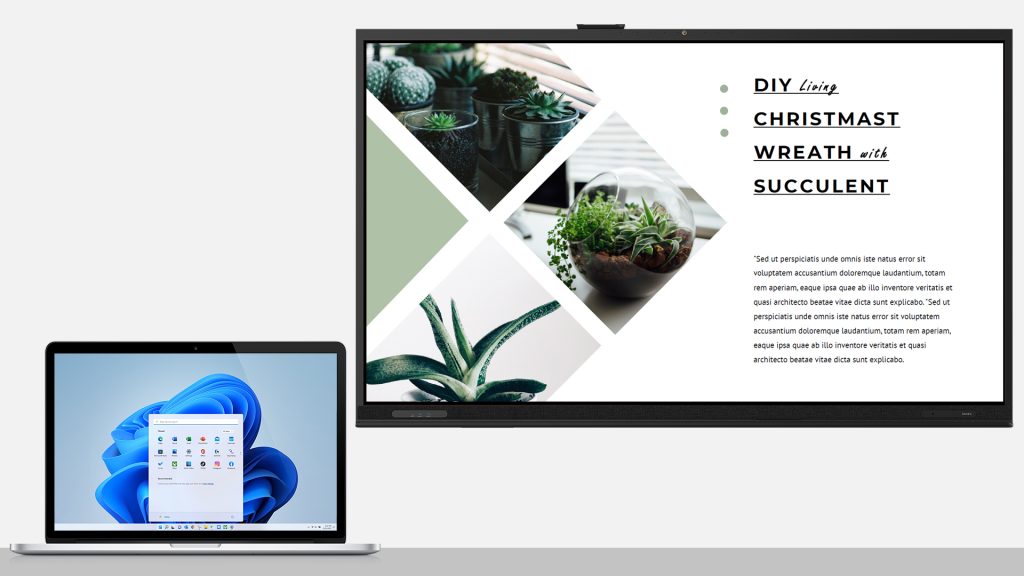
Extend Mode
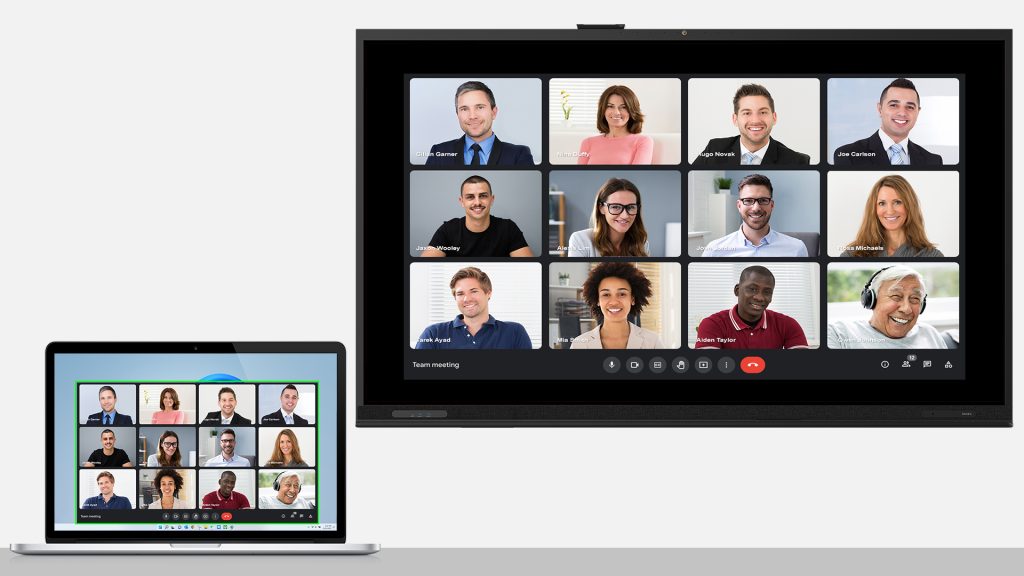
Application only
Seamless AV Integration
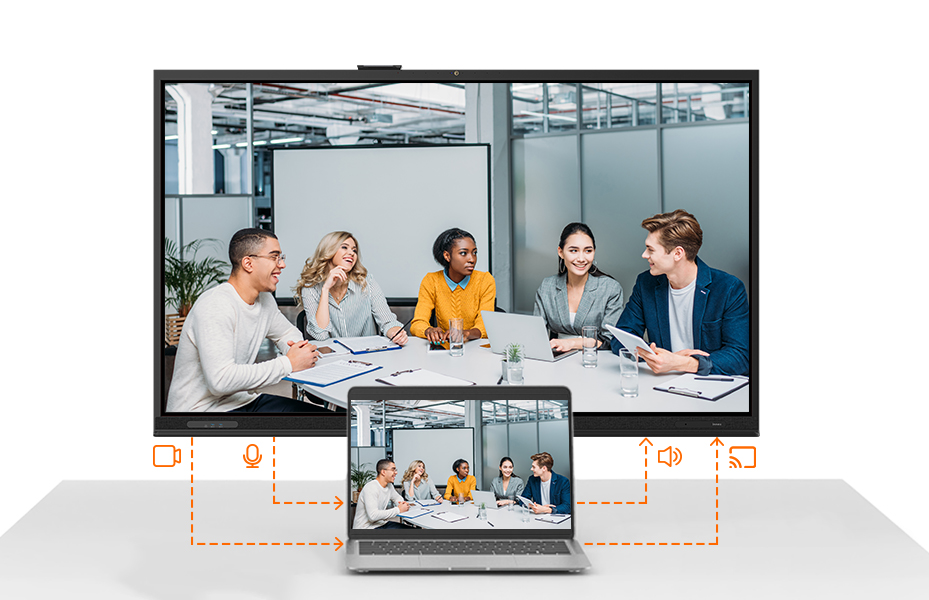
Connect Pro software effortlessly accesses the cameras and microphones through the Connect Pro Receiver, enabling smooth audio and video transmission for a fully integrated collaboration experience.
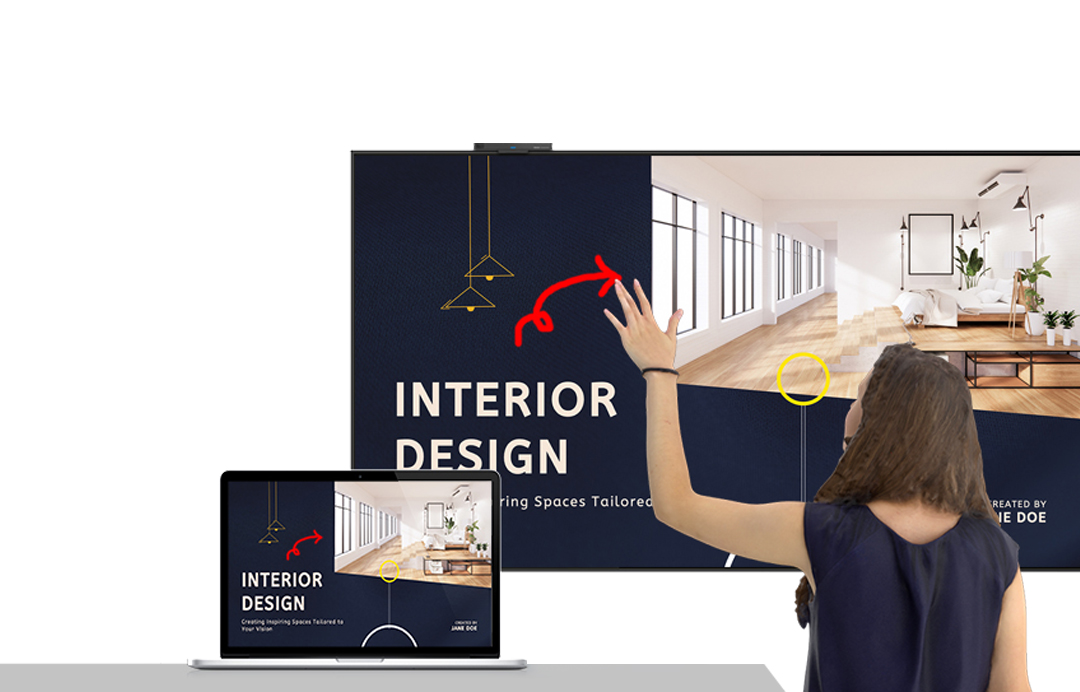
Touchback Control
Connect the touchscreen to the Connect Pro Receiver via USB A-B, Once connected, any interaction on the touchscreen will be applied simultaneously to your laptop.
Bring your own meeting
With Connect Pro software, BYOM (Bring Your Own Meeting) is just one click away—
instantly connect your laptop to the room’s camera, microphone, and speakers for a seamless meeting experience.

SPECIFICATIONS
Screen Share Resolution: Up to 3840×2160 @30Hz (Depends on network conditions)
BYOM Camera Resolution: Up to 1920×1080 (Depends on network conditions)
System Requirements:
Windows: Windows 11 or later, CPU: Intel Core i5 or higher
Mac: macOS 13 Ventura or later
Features
Screen Sharing – Duplicate mode, extend mode, or an Application only
BYOM – Easily access the cameras and microphones through the Connect Pro Receiver for seamless video conferencing.
Audio Transmission – Play audio directly through the display’s speakers for clear, immersive sound.